

With the rise of social media and the democratization of digital devices, the hours spent in front of screens have multiplied in just a few years.
Indeed, today a teenager spends an average of 6 hours in front of a screen per day. This digital generation is more than ever overexposed to harmful blue light, and the damage is numerous:
- Eye strain
- Blurred vision
- Headaches (migraine)
- Dry and red eyes
- Increasing difficulty seeing distant objects
This is what is known as "student myopia." Varionet gives you tips to correct this visual defect now!
Myopia, what is it?
Myopia is characterized by very poor distance vision but very good near vision without correction. A myopic eye is an eye that is too long or too powerful: the image it sees forms in front of the retina, which causes a blurry and smaller image.
This vision disorder usually appears during childhood, progresses rather slowly, and stabilizes in adulthood. It can be permanently corrected with surgical intervention.
In recent years, we have seen the emergence of a brand new form of myopia, "student myopia." The effects are the same (blurry and smaller image at a distance) but appear suddenly in adolescents or young adults. It is not always necessary to wear glasses correcting myopia; if caught in time, this disorder can be corrected more easily.
Easily correct student myopia
There are very easy exercises to re-accustom your eye to seeing at a distance:
- Look in all 4 directions as far as possible for two or three seconds; repeat the exercise several times.
- Place your right index finger at eye level (about 20 cm) then place your left index finger 15 cm behind the right. Focus on the right index finger then the left index finger for 1 minute.
There are also very interesting complementary solutions:
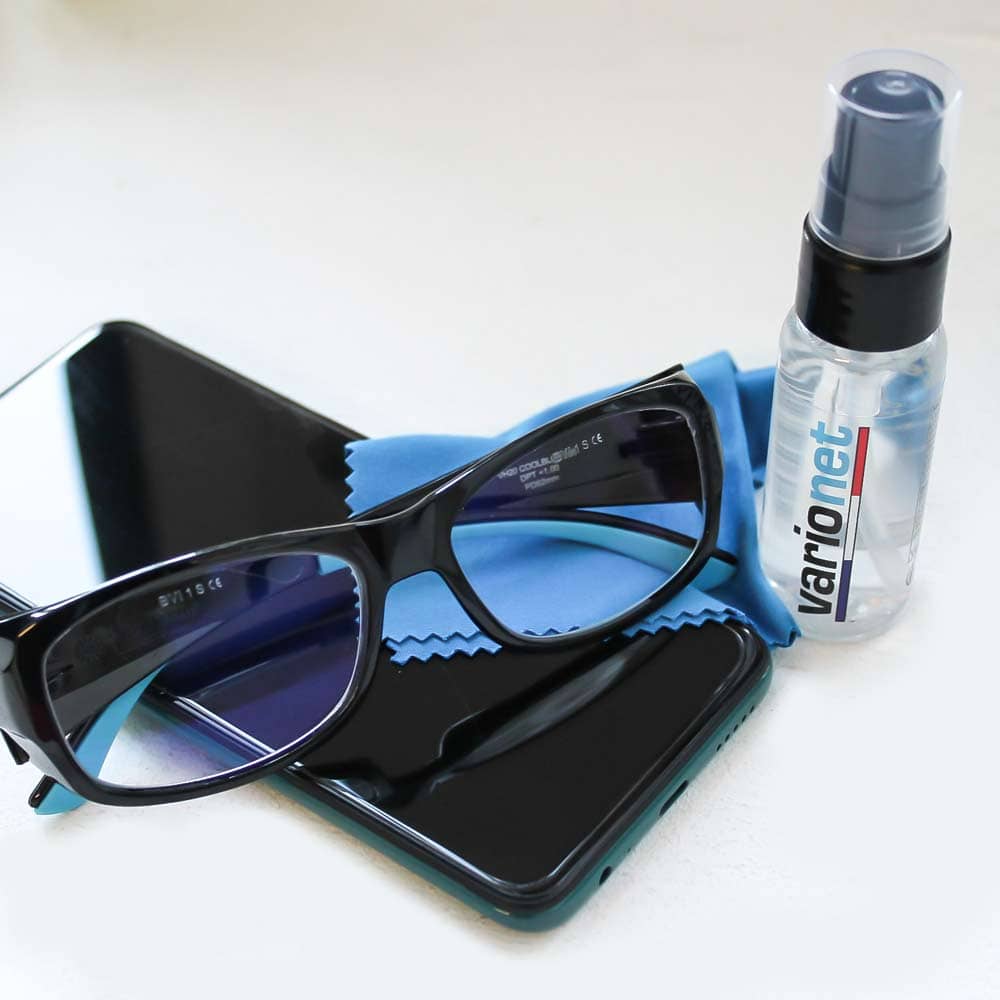
- Cool Blue glasses will help rest the student's eyes while providing visual comfort.
- A filter that attaches directly to the computer.
- Applications to download on computer/phone/tablet that reduce screen brightness.